
Proxmox VE Backup: How to Protect Virtual Machines and Containers Effectively
Published 03.08.2026
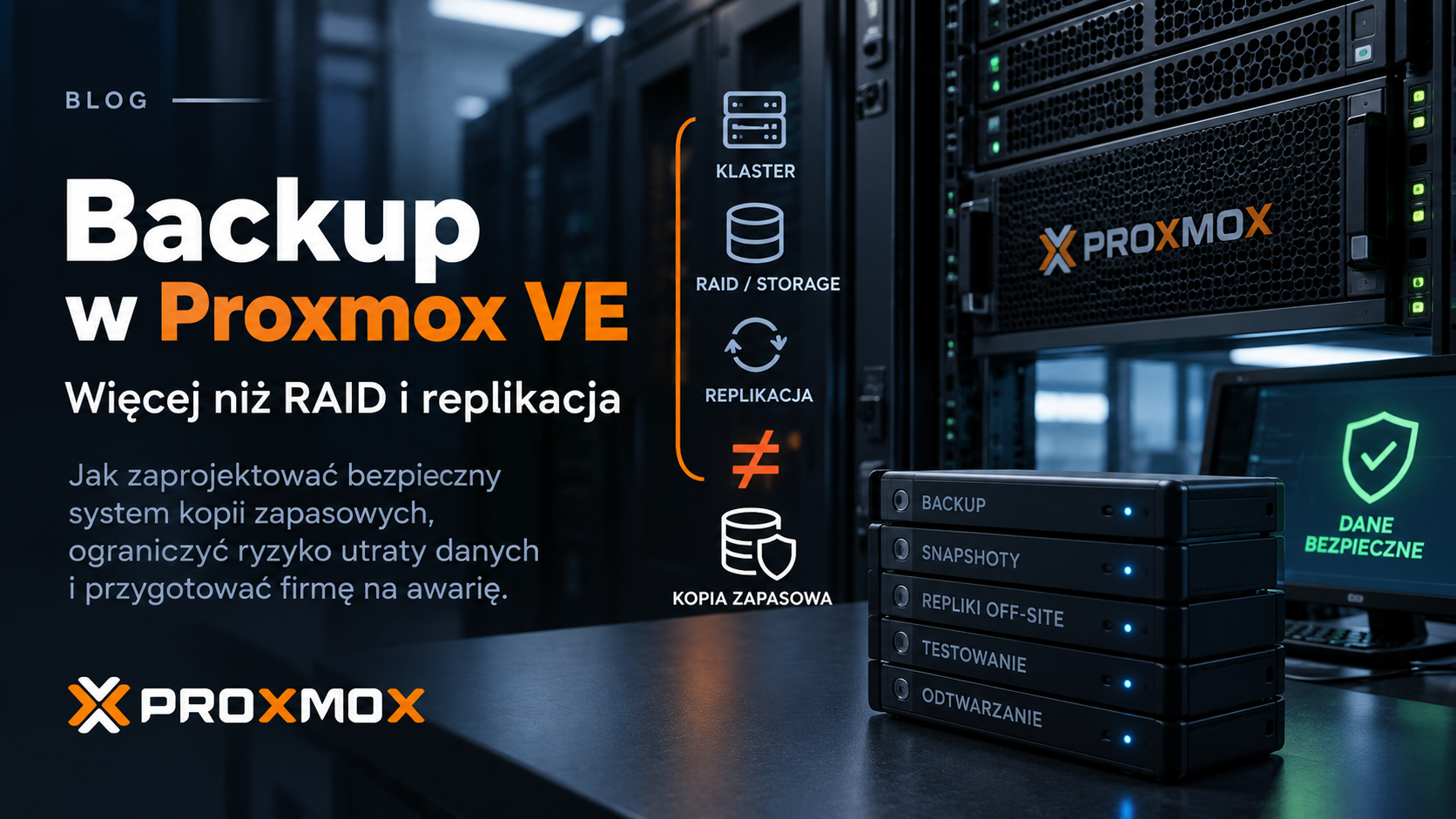
Proxmox VE
Proxmox VE makes it possible to build highly available virtualisation clusters using KVM virtual machines, LXC containers, local storage, ZFS, Ceph or external storage systems. None of these mechanisms, however, replaces a properly designed backup system.
A failed disk or host is only one possible data-loss scenario. Administrator errors, accidental deletion, filesystem corruption, failed updates, application failures and ransomware attacks can be just as serious.
A Proxmox backup environment should therefore be treated as a separate infrastructure layer, with its own retention policy, access controls, monitoring, independent location and regularly tested recovery procedures.
A backup is not successful simply because the job finished with an “OK” status. It is successful only when you can restore the service within the required time.
Snapshots, replication and backup are three different mechanisms
One of the most common mistakes when designing a Proxmox environment is treating snapshots, replication and backup as equivalent forms of protection. Each serves a different purpose.
Snapshot
A recovery point that allows a volume or virtual machine to be rolled back quickly. It is useful before updates or configuration changes, but usually remains dependent on the same storage system.
Replication
Keeps data on another host or storage system. It can improve availability, but corrupted, deleted or encrypted data may also be replicated.
Backup
Provides historical recovery points stored according to a retention policy and allows data to be restored to a state from before a failure, error or attack.
In a well-designed environment, these mechanisms complement each other. A snapshot can simplify rollback, replication can reduce the impact of a host failure, while backup provides the ability to return to an earlier point in time.
High Availability reduces downtime. Replication improves data availability. Backup allows you to go back in time. These are three different objectives.
Proxmox Backup Server as the central backup platform
Proxmox Backup Server (PBS) is a separate system designed for creating and storing backups. It integrates directly with Proxmox VE and can protect both virtual machines and containers.
When PVE is integrated with PBS, backups are transferred incrementally — after the first backup, primarily changed data needs to be sent across the network. PBS also deduplicates and compresses stored data, which can significantly reduce storage and network usage in environments containing many similar systems.
Incremental backup
Subsequent backup jobs transfer mainly changed data, reducing network traffic and shortening the duration of later backup jobs.
Deduplication
Repeated data blocks do not need to be stored multiple times, which is particularly useful when protecting many similar virtual machines.
Integrity verification
PBS uses checksums and supports scheduled verification jobs for data stored in its datastores.
PBS also supports client-side encryption, single-file restore, synchronisation between backup servers and live restore of virtual machines.
Should PBS run on the same Proxmox cluster?
Technically, Proxmox Backup Server can run as a virtual machine, but in production environments the dependencies created by this architecture should be considered carefully.
If the only PBS instance runs as a VM on the same cluster, storage and infrastructure that it is supposed to protect, a serious failure may remove both the production environment and the backup platform at the same time.
The primary backup server should therefore be kept as independent from production infrastructure as reasonably possible.
A backup system should survive the failure of the infrastructure it protects. If it disappears together with the production cluster, an additional protection layer is needed.
What can a Proxmox backup architecture look like?
In a simple environment, a dedicated Proxmox Backup Server with its own datastore can be a good starting point. For systems that are important to business operations, an additional protection layer is usually worth designing.
A typical architecture may include:
- a dedicated Proxmox Backup Server for primary backups,
- storage used exclusively for backup data,
- a second copy synchronised to an independent location,
- separate administrative accounts and roles for PVE and PBS,
- independent storage of encryption keys,
- monitoring of backups, synchronisation, verification and datastore capacity,
- regular recovery testing.
The second location may be another data centre, a different office or a separate environment dedicated to data protection.
The 3-2-1-1-0 rule in a Proxmox environment
A useful reference point when designing backup architecture is the 3-2-1-1-0 rule. It should not be treated as a rigid requirement for every environment, but it helps identify architectures in which all recovery points depend on the same infrastructure.
3 copies of data
Production data plus at least two additional copies capable of supporting recovery after loss of the primary environment.
2 types of storage
Protection should not depend entirely on one server, one array, one cluster or one type of storage infrastructure.
1 off-site copy
At least one copy should be located outside the primary site and should not depend on the same failure event.
The second “1” represents an isolated copy — offline, logically separated or protected in a way that makes modification or deletion significantly more difficult after the production environment has been compromised.
The “0” represents zero undetected errors. Backups should be verified, monitored and periodically restored.
Off-site does not automatically mean secure
Simply synchronising backup data to another data centre does not solve every risk.
If both backup servers use the same administrative identities, belong to the same security domain and can be deleted through a single compromised account, the remote location may still be vulnerable to the same attack.
When designing off-site backup, consider not only physical location but also:
- administrative identities,
- permissions to delete backups,
- network segmentation,
- the direction and method of synchronisation,
- administrative access to the remote datastore,
- the recovery procedure if the primary environment becomes unavailable.
Protecting backups against ransomware
Backup infrastructure is one of the main targets of an attacker. If an attacker compromises an account that can delete virtual machines, snapshots and backups, they may try to remove the organisation's recovery path as well.
To reduce this risk:
- use separate administrative accounts for PVE and PBS,
- grant Proxmox hosts only the permissions they require,
- avoid giving backup accounts permission to delete backups unless necessary,
- manage retention on the backup platform itself,
- use MFA for administrative accounts,
- separate the PBS management network,
- maintain an additional off-site or isolated copy,
- monitor unusual administrative activity and synchronisation failures.
Ransomware-resistant backup requires more than another copy of the data. Administrative identities, permissions and access paths also need to be independent.
Backup encryption — do not lose the key
Proxmox Backup Server supports client-side encryption. This allows backup data to be stored in a location that does not necessarily need to be fully trusted with access to the plaintext content.
Encryption creates an additional dependency, however: without the correct encryption key, encrypted backups cannot be restored.
The key should therefore not exist only on the Proxmox cluster being protected. A secure, independent copy of the key and a documented recovery procedure should be maintained as part of Disaster Recovery planning.
An encrypted backup without an available key is just as useless as a corrupted backup.
Retention policy — how many backups should you keep?
There is no single retention policy that is correct for every environment. Retention should be based on RPO, the nature of the data, frequency of changes, available capacity, business requirements and any applicable legal obligations.
An example policy may include:
- hourly recovery points for the most dynamic systems,
- 7–14 daily recovery points,
- 4–8 weekly recovery points,
- several or more monthly recovery points,
- long-term recovery points where required by the organisation.
Proxmox Backup Server can automatically apply retention rules. Pruning determines which backup snapshots should be retained, while unused data chunks can later be released during garbage collection.
Retention should not be designed solely around the question “how much fits on the disk?”. A problem may only be discovered days or weeks later, after the newest backups already contain the same corruption or unwanted change.
Backing up LXC containers — watch out for bind mounts
When protecting LXC containers, it is important to understand where the application's data is actually stored. A successful container backup does not always mean that every file visible inside the container has been included.
Additional mount points deserve particular attention. Storage-backed mount points can be included according to their configuration, while the contents of bind mounts and device mounts are not included in vzdump backups.
If a container uses a host directory, an NFS share mounted on the host or another external resource exposed through a bind mount, that data requires its own protection mechanism.
With LXC, do not check only whether the backup job succeeded. Check the mount points and where the application data is actually stored.
Virtual machine backup and application consistency
A full virtual machine backup is convenient for restoring an entire server, but it does not always provide the required level of application consistency.
This is particularly important for:
- databases,
- ERP systems,
- mail platforms,
- transactional systems,
- applications performing intensive write operations.
Depending on requirements, VM-level backup may need to be complemented by application-level protection such as:
- native PostgreSQL, MariaDB, MySQL or Microsoft SQL Server backup mechanisms,
- logical database dumps,
- WAL, binlog or transaction-log archiving,
- application-consistent mechanisms,
- backup of configuration and data stored outside the virtual machine itself.
This makes it possible to separate the scenario “restore the entire server” from “recover the database to a specific point in time”.
Backup verification does not replace recovery testing
Proxmox Backup Server supports automated integrity verification jobs. This is an important mechanism because it helps identify corruption in data stored in the backup repository.
A successful verification does not answer whether the restored application will start correctly, whether the database will be consistent, whether the administrator still has all required keys and passwords, or whether the recovery infrastructure will provide sufficient performance.
Periodic recovery testing should therefore include:
- restoring a complete virtual machine or container,
- starting the system in an isolated test network,
- verifying the operating system and services,
- checking applications and databases,
- testing single-file restore,
- measuring actual recovery time,
- documenting the result of the test.
A recovery test should answer two questions: can we restore the service, and how long does it actually take?
RPO and RTO — where backup design should begin
The number of backups alone says very little about whether a data-protection system meets the organisation's needs. Two parameters are much more important: RPO and RTO.
RPO
Recovery Point Objective defines the maximum acceptable amount of data loss expressed in time. An RPO of one hour means the organisation should be able to return to data no older than approximately one hour.
RTO
Recovery Time Objective defines the maximum acceptable time required to restore a service after a failure.
Business priority
RPO and RTO should be defined separately for individual systems. A test environment and a critical production database usually require very different objectives.
A short RTO may require not only a fast PBS server, but also sufficient network capacity, high-performance target storage, standby infrastructure and prepared Disaster Recovery procedures.
Do not forget the infrastructure configuration itself
Backing up every VM and container does not automatically mean that the entire environment can be rebuilt quickly after losing the cluster.
Information required to reconstruct the infrastructure should also be protected, including, depending on the architecture:
- cluster configuration,
- network and VLAN configuration,
- firewall configuration,
- storage configuration,
- administrative account information,
- certificates,
- encryption keys,
- monitoring and backup platform configuration,
- Disaster Recovery documentation.
During a serious failure, having backup files alone is not enough if nobody knows how to rebuild the platform they need to be restored to.
What should be monitored in a PVE + PBS environment?
Backup infrastructure should be monitored just like production infrastructure. An alert reporting that the latest backup job failed is not sufficient on its own.
Monitoring should include, among other things:
- the time of the last successful backup for every VM and container,
- backup job status,
- off-site synchronisation status,
- backup verification results,
- pruning and garbage collection jobs,
- datastore usage and growth rate,
- disk and filesystem health on the PBS server,
- backup performance and duration,
- PVE ↔ PBS connectivity errors,
- certificate validity,
- the date of the last successful recovery test.
Common Proxmox backup mistakes
Backup on the same storage
A single storage failure may affect both the production environment and its only backup copy.
No recovery testing
The first restore attempt during a real outage may reveal missing keys, passwords, documentation or insufficient recovery performance.
Retention is too short
If a problem is discovered several days later, every available recovery point may already contain the same corruption or unwanted change.
Shared administrative accounts
Compromising a single identity may allow an attacker to damage both production infrastructure and the backup environment.
No monitoring
Backup jobs may fail for days because of insufficient space, network problems, certificate issues or incorrect permissions.
No configuration backup
Restoring virtual machines is not enough if network and storage configuration, encryption keys and rebuild procedures have been lost.
What should an effective Proxmox backup system look like?
Effective Proxmox backup is not simply a single overnight copy job. It should form a complete data-protection architecture that includes:
- an independent backup platform,
- retention aligned with business requirements,
- a second copy outside the primary location,
- separation of accounts and permissions,
- protection of encryption keys,
- monitoring,
- automated backup verification,
- regular recovery testing,
- defined RPO and RTO,
- a Disaster Recovery procedure.
Proxmox Backup Server provides many of the mechanisms required to build this type of environment, but its actual resilience depends on the overall architecture — not simply on installing PBS.
The objective of backup is not to have copies. The objective is to restore business operations after a failure, error or attack.
How can we help?
sLogic Group designs backup and Disaster Recovery solutions for Proxmox VE environments. We analyse required RPO/RTO, data-storage architecture, retention, infrastructure separation, off-site protection, monitoring and recovery procedures.
We can design and implement Proxmox Backup Server, a secondary backup location and a process for regular recovery testing. Learn more about our Backup and Disaster Recovery service.
If you first want an independent assessment of your current virtualisation, storage and data-protection architecture, you can also start with an IT Audit and Architecture.
Can your Proxmox backups actually be restored?
We can design your backup architecture, retention, off-site protection, monitoring and recovery procedures around the RPO and RTO your organisation actually requires.